HWSW Informatikai Kerekasztal: Kinek milyen a Desktopja? VI. - HWSW Informatikai Kerekasztal

Ugrás a tartalomhoz

Mellékleteink: HUP | Gamekapocs

  • (122 Oldal)
  • +
  • « Első
  • 29
  • 30
  • 31
  • 32
  • 33
  • Utolsó »
  • Nem indíthatsz témát.
  • A téma zárva.

Kinek milyen a Desktopja? VI. Értékeld a témát: ***** 4 szavazás

#591 Felhasználó inaktív   ^Sunrise^ 

  • Őstag
  • PipaPipaPipaPipaPipa
  • Csoport: Fórumtag
  • Hozzászólások: 13.178
  • Csatlakozott: --

Elküldve: 2006. 10. 28. 13:52

Kép

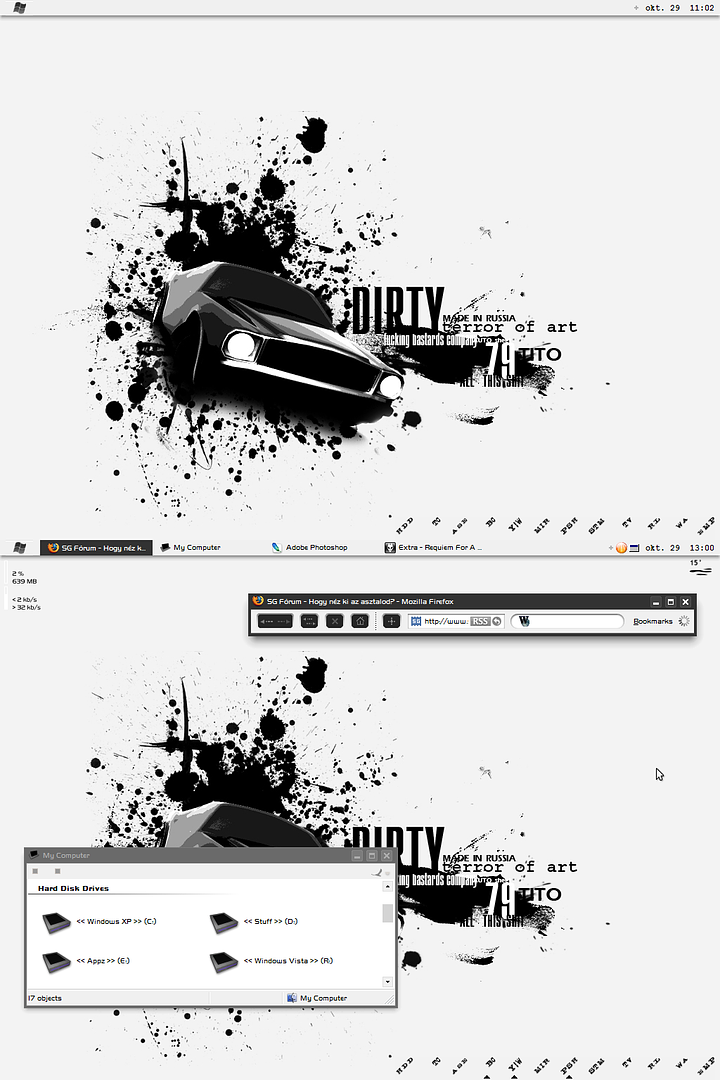
Elovettem a regi desktop tervemet, amit abbahagytam amikor egy felresikerult Win telepites kozben teljesen legyalultam. Most vegre raszantam magam, hogy a 0-rol indulva ujrakezdjem, egyelore igy allok, nem lesz olyan minimal dizajnos mint des projektje. :p  :cool:

Abban viszont kellene egy kis segitseg, hogyan lehet az ablakok fejleceben kozepre iratni a futo program nevet, lehet-e a user nevet kozepre/fentre/lentre/balra/jobbra helyezni a userpicturetol...

Thx. :respect:
÷ Gigabyte N650SLI-DS4 ÷ Intel C2D E2140 1.6@3Ghz ÷ Kingmax 4GB DDR2-800 ÷ Sapphire X1950XT 256MB ÷ Western Digital 250GB + Hitachi 500GB ÷ LG-H42L/LG-4163B ÷ Enermax Noisetaker 475W ÷ Lian Li PC-V1200B ÷ Samsung 40" LE40R72B ÷

Passzív vízhűtés lépésenként, képekben

#592 Felhasználó inaktív   attip 

  • Újonc
  • Pipa
  • Csoport: Alkalmi fórumtag
  • Hozzászólások: 55
  • Csatlakozott: --

Elküldve: 2006. 10. 28. 18:32

Sziasztok!:)
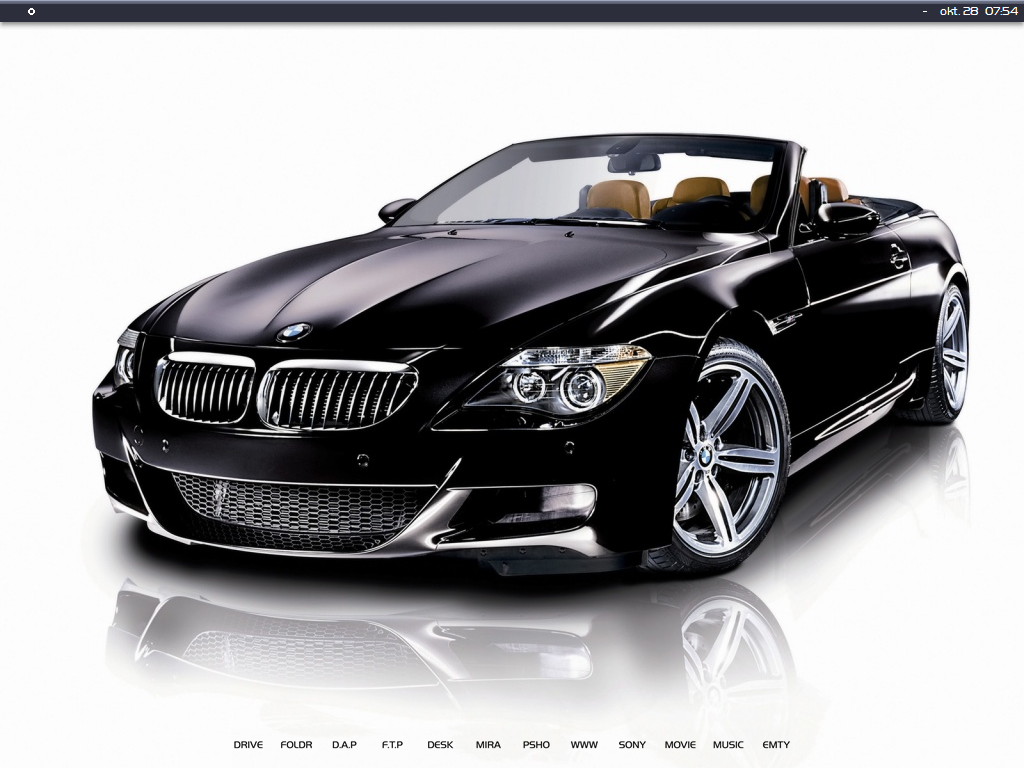
Két kép a mostaniról:

Kép

Kép

#593 Felhasználó inaktív   peba0706 

  • Tag
  • PipaPipa
  • Csoport: Fórumtag
  • Hozzászólások: 499
  • Csatlakozott: --

Elküldve: 2006. 10. 28. 19:04

Hogy bírjátok ezt a sok csicsát?  :confused:  :p
[ changemydesk.net ] - oszt' nézzedmánmeg!

#594 Felhasználó inaktív   Hocsi 

  • Tag
  • PipaPipa
  • Csoport: Fórumtag
  • Hozzászólások: 131
  • Csatlakozott: --

Elküldve: 2006. 10. 28. 23:51

Októberi desk:
Kép
[ Kattints ide a teljes méretű képhez ]
Config:
MSI P35 Neo2-FR | INTEL Core2Quad Q9550 | Geil Black Dragon Kit 4x1GB 800MHz | Sapphire ATI Radeon 5850 1GB |
Samsung 19" 970P | Audigy X-FI XtremeGamer | NEC 3520 DVD RW | Pioneer DVD | WD 1TB | Seagate 750GB | Samsung 250GB

#595 Felhasználó inaktív   GoodSpeed 

  • Őstag
  • PipaPipaPipaPipaPipa
  • Csoport: Kitiltott
  • Hozzászólások: 8.390
  • Csatlakozott: --

Elküldve: 2006. 10. 29. 03:49

Idézet: Hocsi - Dátum: 2006. okt. 29., vasárnap - 0:51


ohoho, Chaninja ?:) Te is Battlefield-ezel?

#596 Felhasználó inaktív   GoodSpeed 

  • Őstag
  • PipaPipaPipaPipaPipa
  • Csoport: Kitiltott
  • Hozzászólások: 8.390
  • Csatlakozott: --

Elküldve: 2006. 10. 29. 03:50

Idézet: attip - Dátum: 2006. okt. 28., szombat - 19:32

Sziasztok!:)
Két kép a mostaniról:

Kép

Kép

Milyen progival tetted a tálcára a letöltési sebbeséget ?

Amúgy szép . Ja és WB alapú?

Szerkesztette: GoodSpeed 2006. 10. 29. 03:51 -kor


#597 Felhasználó inaktív   GoodSpeed 

  • Őstag
  • PipaPipaPipaPipaPipa
  • Csoport: Kitiltott
  • Hozzászólások: 8.390
  • Csatlakozott: --

Elküldve: 2006. 10. 29. 04:17

Mivel nekem küldi a stardock emailben az értesítőket, megjelent pár új verzió, íme az email:

Idézet

Stardock Magazine: October 2006

## Contents ##

    * The Halloween Desktop
    * WindowBlinds 5.1 released
    * ObjectBar 2.0 released
    * GUI Championships is on!
    * Rise of the Super Suites
   

## The Halloween Desktop ##

Halloween is almost here! And what better way to get your desktop into the mood than with Stardock's Halloween Desktop.

It's a free download that will change the way your Windows desktop looks and feels -- title bars, borders, buttons, Start bar, wallpaper, and more.

Have fun!

Download: Halloween Desktop


## WindowBlinds 5.1 released##

Stardock has released a new version of its most popular desktop enhancement program. WindowBlinds is a program that allows users to "skin" their Windows desktop by applying visual styles that change every part of the user interface of the operating system.  There are thousands of visual styles available to download.

WindowBlinds 5.1 adds alpha blending support to older video cards, has new wallpaper changing support, and a host of other updates.

Screenshots:

    * WindowBlinds 5.1 in action
    * Collage of WindowBlinds skins
    * Changing colors of skins
    * Making Windows XP look similar to Windows Vista
    * Making Windows XP look similar to the Mac

WindowBlinds 5.5 (the next version which will be free to WindowBlinds 5 users) will run on Windows Vista as well!

Homepage: WindowBlinds.net


## ObjectBar 2.0 is here -- finally! ##

After over 12 million years of development, Stardock has finally completed and released ObjectBar 2.0.

So what is ObjectBar? It's a simple program with a complicated explanation. The simple description is that ObjectBar allows users to create their own desktop interfaces. The Start bar on Windows, for instance, is one example of a desktop interface. The Mac Finder is another.  ObjectBar is a virtual superset of every sort of bar, dock, launcher, finder, sidebar, etc. out there.

What makes ObjectBar special is how easy it is to create your own bars. The Windows Vista Sidebar, the Google sidebar, the Mac Finder, etc. all could have been made with ObjectBar in one form or other.  But there's a lot of other ways one might interact with their computer and hence ObjectBar gives users the power to do just that.

Users can even save their designs and share them with others on-line.  This past week we created a new gallery on WinCustomize.com for users to trade their ObjectBar designs. The program comes with several to begin with.  Here are a few examples:

Screenshots:

    * Powerful desktop example
    * Vistabar example
    * Finder example
    * Gadgetbar Example

You can download ObjectBar and try it for yourself.  It is part of Object Desktop which is Stardock's suite of desktop enhancements that includes not just ObjectBar but WindowBlinds and a couple dozen other programs.

Download: ObjectBar 2.0


## GUI Championships at full throttle ##

The GUI Championships is a multi-website contest that is held every other year in which graphics designers from around the world compete in a series of events for designing various elements of a desktop user interface.

This year, the contest includes GUI skins via WindowBlinds, icon packages that are applied via IconPackager, and wallpapers.  The results so far have been spectacular!

Here are some examples:

    * Winner of most usable icons
    * Runner-Up
    * A finalist for most usable WindowBlinds GUI skin

You can try these all out for yourself at the site and much more!

Visit: GUI Championships.com


## RISE of the SUPER SUITES ##

This Fall has already been great for high quality premium suites. Last year, zero new premium suites were released. We got a lot of email from users requesting that we start making them again and so we've responded with three high quality suites plus a brand new icon package combo.

What is a premium suite? A premium suite is a set of professionally designs skins, icons, wallpapers, gadgets, etc. that are put together into a single package. They require that the user have at least WindowBlinds, IconPackager, and Theme Manager to use but they often include additional content. If you have Object Desktop, then you have everything you need. Otherwise you will need to download at least those three programs above.

Once you have those programs installed, the suites can then be downloaded and applied to change the look and feel of your desktop in amazing ways.

The three that have come out include:

    * Fortune. A cool looking desktop with its own icons, wallpaper, WindowBlinds skin, and a magic Stardock ball that will tell you the "future" when you shake it. (screenshot). It also has a logon screen for Windows and a boot screen.
    * Liquidox has a slick look and feel with awesome icons, a cool shadow and more. (screenshot). It also includes mouse cursors, a screensaver, and a new Windows boot screen.
    * Argos was designed for users who want a good looking but very clean desktop. The skin is minimalist and very fast. (screenshot). Argos also includes a couple of gadgets (a calendar and an RSS reader), mouse cursors, a boot screen and a logon screen.

There's more in the works as well.  Moreover, these suites have been tested under Windows Vista so when we update the software publicly for Windows Vista, these suites will already work.


## That's all for now... ##

We hope you've found this month's issue of Stardock Magazine enjoyable.

If, for some reason, you do not want to receive Stardock Magazine anymore, just click on the link below:
http://www.stardock....ipts/remove.asp

If you know anyone who would like to receive Stardock Magazine, just tell them to visit http://www.stardock.com and at the bottom is the field to enter in their email address.


#598 Felhasználó inaktív   attip 

  • Újonc
  • Pipa
  • Csoport: Alkalmi fórumtag
  • Hozzászólások: 55
  • Csatlakozott: --

Elküldve: 2006. 10. 29. 06:41

Idézet: GoodSpeed - Dátum: 2006. okt. 29., vasárnap - 3:50

Milyen progival tetted a tálcára a letöltési sebbeséget ?

Amúgy szép . Ja és WB alapú?

Szia!:)
A progit itt találod:  netspeedmonitor

Le kell tölteni hozzá a lapon található c++!!

Igen wb alapú,köszi a múltkori választ!:)

#599 Felhasználó inaktív   M@Xtreme 

  • Őstag
  • PipaPipaPipaPipaPipa
  • Csoport: Fórumtag
  • Hozzászólások: 34.497
  • Csatlakozott: --

Elküldve: 2006. 10. 29. 08:01

Srácok a windowblinds 5.x-et hogy lehet arra rábeszélni hogy megjegyezze az ikonok betűtípusát? :)
Ugyanis bármilyen betütípust állítok be, az újraindítás után elveszik, és viszaáll az alapra.  :think:

#600 Felhasználó inaktív   Basic 

  • Törzsvendég
  • PipaPipaPipa
  • Csoport: Kitiltott
  • Hozzászólások: 1.881
  • Csatlakozott: --

Elküldve: 2006. 10. 29. 08:46

Idézet: ^Sunrise^ - Dátum: 2006. okt. 28., szombat - 13:52

Kép

Elovettem a regi desktop tervemet, amit abbahagytam amikor egy felresikerult Win telepites kozben teljesen legyalultam. Most vegre raszantam magam, hogy a 0-rol indulva ujrakezdjem, egyelore igy allok, nem lesz olyan minimal dizajnos mint des projektje. :p  :cool:

Abban viszont kellene egy kis segitseg, hogyan lehet az ablakok fejleceben kozepre iratni a futo program nevet, lehet-e a user nevet kozepre/fentre/lentre/balra/jobbra helyezni a userpicturetol...

Thx. :respect:

ez qrva jó! tényleg!  :respect:  ...mármint nem a nő, hanem a design!  :D

#601 Felhasználó inaktív   GoodSpeed 

  • Őstag
  • PipaPipaPipaPipaPipa
  • Csoport: Kitiltott
  • Hozzászólások: 8.390
  • Csatlakozott: --

Elküldve: 2006. 10. 29. 08:55

Idézet: attip - Dátum: 2006. okt. 29., vasárnap - 7:41

Szia!:)
A progit itt találod:  netspeedmonitor

Le kell tölteni hozzá a lapon található c++!!

Igen wb alapú,köszi a múltkori választ!:)

http://www.deviantar...ation/42067830/ A WB skin ez ;) BioVistaMX

A progi Freeware ?

#602 Felhasználó inaktív   attip 

  • Újonc
  • Pipa
  • Csoport: Alkalmi fórumtag
  • Hozzászólások: 55
  • Csatlakozott: --

Elküldve: 2006. 10. 29. 09:03

Idézet: M@Xtreme - Dátum: 2006. okt. 29., vasárnap - 8:01

Srácok a windowblinds 5.x-et hogy lehet arra rábeszélni hogy megjegyezze az ikonok betűtípusát? :)
Ugyanis bármilyen betütípust állítok be, az újraindítás után elveszik, és viszaáll az alapra.  :think:

Szia!:)

Szvssz ezen a beállítási  lapon módosíts: szöveg

Szerkesztette: attip 2006. 10. 29. 09:04 -kor


#603 Felhasználó inaktív   attip 

  • Újonc
  • Pipa
  • Csoport: Alkalmi fórumtag
  • Hozzászólások: 55
  • Csatlakozott: --

Elküldve: 2006. 10. 29. 09:10

Idézet: GoodSpeed - Dátum: 2006. okt. 29., vasárnap - 8:55

http://www.deviantar...ation/42067830/ A WB skin ez ;) BioVistaMX

A progi Freeware ?

Nyert,onnan való a wb!:)

Igen freeware,sok fajtát próbáltam,ezt főleg diszkrétsége miatt kedvelem....

#604 Felhasználó inaktív   M@Xtreme 

  • Őstag
  • PipaPipaPipaPipaPipa
  • Csoport: Fórumtag
  • Hozzászólások: 34.497
  • Csatlakozott: --

Elküldve: 2006. 10. 29. 09:57

Idézet: attip - Dátum: 2006. okt. 29., vasárnap - 10:03

Szia!:)

Szvssz ezen a beállítási  lapon módosíts: szöveg

Igen ezt már próbáltam, de az eredmény változatlan :-)
Azért köszi  :respect:

#605 Felhasználó inaktív   ^Sunrise^ 

  • Őstag
  • PipaPipaPipaPipaPipa
  • Csoport: Fórumtag
  • Hozzászólások: 13.178
  • Csatlakozott: --

Elküldve: 2006. 10. 29. 11:13

Idézet: Basic - Dátum: 2006. okt. 29., vasárnap - 8:46

ez qrva jó! tényleg!  :respect:  ...mármint nem a nő, hanem a design!  :D

Koszi, most jon amit ruhellek nagyon, a sok kis bizbasz atskinezese, gombok, legordulo menu, stb... :smoker:

Kép

Szerkesztette: ^Sunrise^ 2006. 10. 29. 11:14 -kor

÷ Gigabyte N650SLI-DS4 ÷ Intel C2D E2140 1.6@3Ghz ÷ Kingmax 4GB DDR2-800 ÷ Sapphire X1950XT 256MB ÷ Western Digital 250GB + Hitachi 500GB ÷ LG-H42L/LG-4163B ÷ Enermax Noisetaker 475W ÷ Lian Li PC-V1200B ÷ Samsung 40" LE40R72B ÷

Passzív vízhűtés lépésenként, képekben

#606 Felhasználó inaktív   GoodSpeed 

  • Őstag
  • PipaPipaPipaPipaPipa
  • Csoport: Kitiltott
  • Hozzászólások: 8.390
  • Csatlakozott: --

Elküldve: 2006. 10. 29. 11:15

Idézet: attip - Dátum: 2006. okt. 29., vasárnap - 10:10

Nyert,onnan való a wb!:)

Igen freeware,sok fajtát próbáltam,ezt főleg diszkrétsége miatt kedvelem....

32 bites XP-vel szépen megy, kiváncsi leszek 64 bizessel is fog e, ahoz leszedtem a(z) Microsoft Visual C++ 2005 Redistributable Package (x64) -t szerencsére jogtiszta wondwshoz, ez is free ;)

#607 Felhasználó inaktív   B@ldrick 

  • Tag
  • PipaPipa
  • Csoport: Fórumtag
  • Hozzászólások: 237
  • Csatlakozott: --

Hozzászólás ikon  Elküldve: 2006. 10. 29. 14:08

- new -
Kép

- old -
Kép

Gigabyte EP45-DS5|Intel Core2Quad Q9450 @3.2GHz|Asus Silent Knight II|CSX DDR2 1066Mhz 2x2GB|Sapphire HD4870 512MB GDDR5|WD Caviar16 RE 320GB+SE16 750GB+Blue 500GB|Seagate Barracuda 7200.7 160GB|Thermaltake Shark-black|Corsair TX650|Creative Desktop Theater 5.1 DTT2200|Hauppauge WinTV THEATER|Pioneer DVR-109|Logitech G9 Laser Mouse|SteelSeries QcK mini|Samsung SyncMaster 226CW|Artic Cooling F12 Pro PWM|Windows 7 x64|Mac OS X Snow Leopard 10.6.2

#608 Felhasználó inaktív   Bird-Of-Prey 

  • Senior tag
  • PipaPipaPipaPipa
  • Csoport: Fórumtag
  • Hozzászólások: 2.243
  • Csatlakozott: --

Elküldve: 2006. 10. 29. 15:16

Kép
[ Kattints ide a teljes méretű képhez ]

Kép
[ Kattints ide a teljes méretű képhez ]
Nem állhatunk meg, ez denevérország....

#609 Felhasználó inaktív   Basic 

  • Törzsvendég
  • PipaPipaPipa
  • Csoport: Kitiltott
  • Hozzászólások: 1.881
  • Csatlakozott: --

Hozzászólás ikon  Elküldve: 2006. 10. 29. 15:54

:respect: na végre valami eredmény! eddig még csak szöveget láthattunk tőled!  :D  elég jó, bár az a háttér nem nagy durr, de végül is jó...  :cool:

#610 Felhasználó inaktív   Bird-Of-Prey 

  • Senior tag
  • PipaPipaPipaPipa
  • Csoport: Fórumtag
  • Hozzászólások: 2.243
  • Csatlakozott: --

Elküldve: 2006. 10. 29. 16:06

eredmény? ez fórum vagy iskola, ahol eredményeket várnak? ...
Nem állhatunk meg, ez denevérország....

Téma megosztása:


  • (122 Oldal)
  • +
  • « Első
  • 29
  • 30
  • 31
  • 32
  • 33
  • Utolsó »
  • Nem indíthatsz témát.
  • A téma zárva.

2 felhasználó olvassa ezt a témát.
0 felhasználó, 2 vendég, 0 anonim felhasználó